


A customer’s machine has stopped. A technician opens the manufacturer’s spare parts portal, types a description and gets a long list of part numbers. Which one fits this machine? Is it still the current version? After ten minutes of searching, they pick up the phone. Someone in service calls someone in engineering. The portal was online, but the answer was not in it.
This happens often, even in companies that have already invested in a spare parts portal. In most cases the cause is the same: the portal gets its product information from a system that doesn’t really know the product.
Why most spare parts portals are connected to the ERP
Most spare parts and partner portals on the market are built on top of the ERP. It is a logical choice. The ERP knows prices, stock, customers and orders, which is everything needed to complete a sale. For a portal whose goal is to take orders, starting from the ERP looks like the shortest path.
The difficulty appears earlier, at the moment the customer needs to find the part.
What the ERP doesn’t know about your product
An ERP holds part numbers and flat lists. It does not hold the product structure, the 3D geometry, the revision history or the configuration of each machine. That information lives in the PLM, where engineering creates and maintains it.
For a customer looking for a spare part, that context is exactly what matters. They rarely know the reference. They know the machine, the serial number and the area where the part is located. A portal built only on ERP data expects the customer to arrive with a code. A portal built on product data helps them find it.
Four differences when the spare parts portal draws from Windchill
ISFsoft Spare Portal takes a different approach. It takes product knowledge from PTC Windchill and uses the ERP for what it does best: price, availability and order processing. In practice, this creates four differences.
1. Identification, not just a catalogue of codes
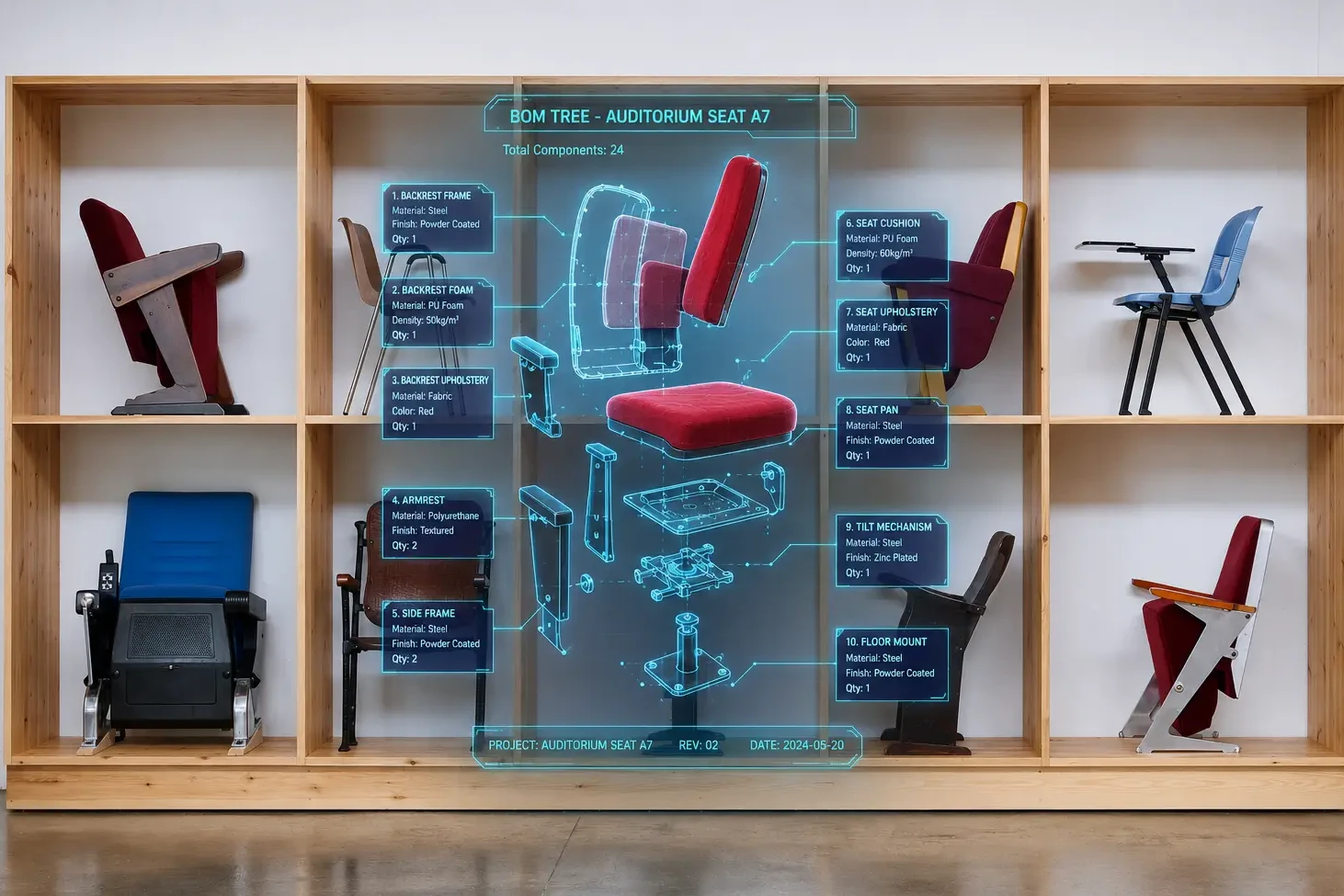
An ERP-based portal expects the customer to know the reference. With ISFsoft Spare Portal, customers can find it through the bill of materials, the serial number or by navigating the interactive 3D model, with drawings and documentation attached. They identify the part by looking at their machine, not by guessing a code.
2. Engineering changes, straight from the source
In an ERP-based portal, an engineering change reaches customers only after it has been transferred and coded in the ERP, which often adds delays. Linked to Windchill, the portal reflects each released change and supersession as soon as engineering approves it. Customers stop ordering parts that have already been replaced.
3. No separate catalogue to create and maintain
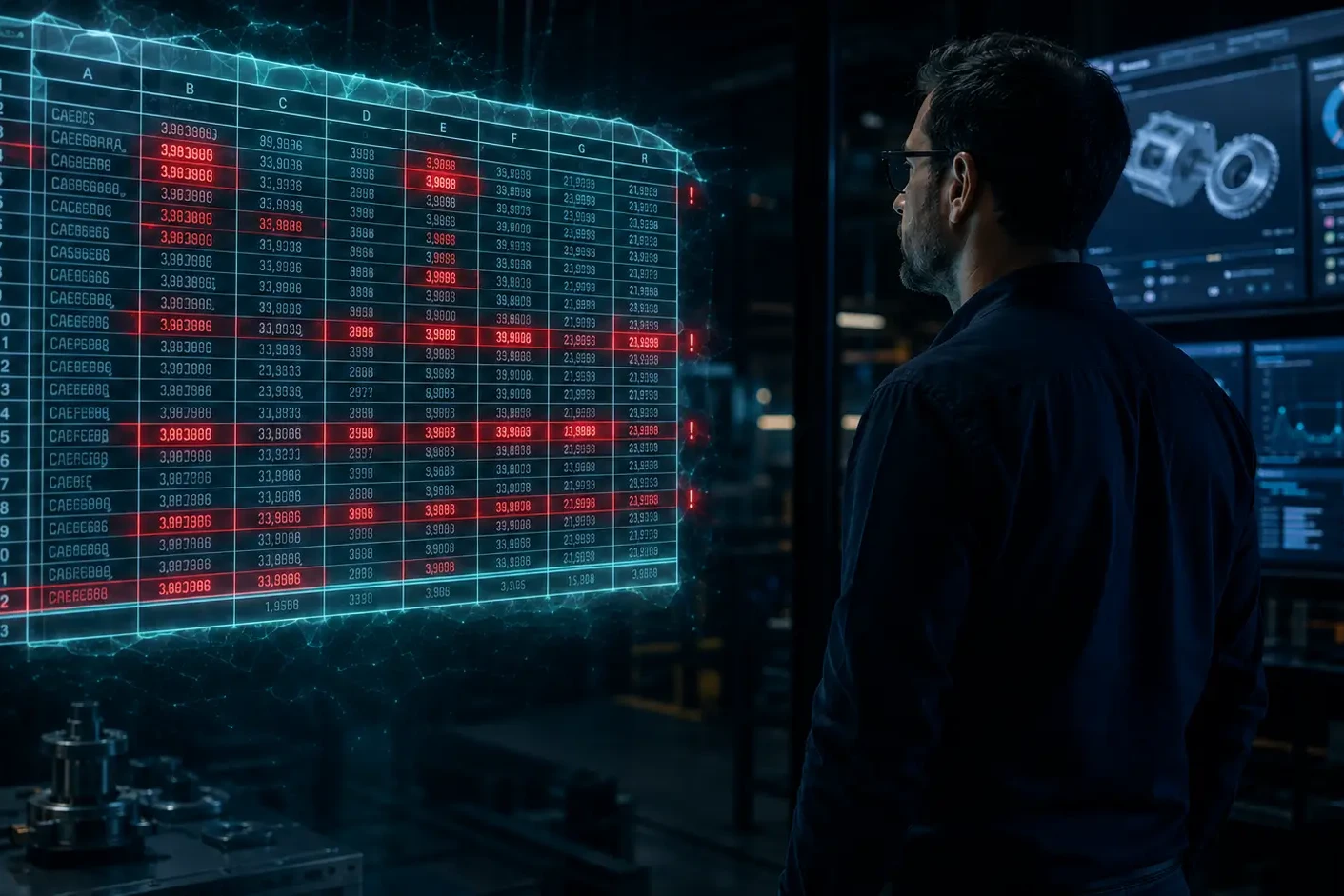
Portals fed from the ERP usually need exploded views and illustrated catalogues that someone creates and updates by hand. It is slow and costly work, and every manual copy is a new opportunity for errors. ISFsoft Spare Portal reuses the 3D models and product structures that engineering already maintains in Windchill, so there is no second catalogue to keep in sync. If your catalogue still lives in spreadsheets, we looked at that first step in From Excel to digital portal.
4. The configuration of each machine
ERP data rarely reflects how a specific unit was built and how it has been modified over the years. Windchill does. As a result, customers see only the parts that fit their equipment, not every part that has ever existed for that model.
Giving each system its role
This is not about replacing the ERP. It is about letting each system do what it does best:
- Windchill defines what the part is and where it fits: structure, revisions, 3D models, documentation and configuration.
- The ERP decides how much it costs and when it ships: prices, stock, orders and invoicing.
With ISFsoft Connect, both sides work together. Orders placed in the portal reach the ERP with the correct part numbers and quantities, without anyone typing them again. If your Windchill and ERP still exchange data through spreadsheets, this article explains the risks of that approach.
The result is a spare parts portal that is both precise and transactional.
Five questions to ask before choosing a spare parts portal
Before comparing solutions, it helps to look at how your current portal works. Answer these five questions and see where you stand.
Self-assessment · 1 minute
Is your spare parts portal getting its truth from the right place?
Answer five questions about your current portal and see where you can improve.
Where you can improve most:
Want to see how ISFsoft Spare Portal would work with your product data?
Precision first, then the transaction
Customers judge a spare parts portal on one thing: whether the part that arrives is the part they needed. Speed, availability and a good ordering experience all matter, but only after that. A portal that sells the wrong part efficiently is still selling the wrong part.
In the coming weeks, we will look at what a spare parts portal linked to Windchill means for each area of the business: engineering, manufacturing, after-sales service, purchasing and sales.
Want to see how ISFsoft Spare Portal works with your Windchill data? Get in touch with us and we will show you how it works with a real product structure.