


Monday morning, a customer’s packaging line stops. The technician arrives on Tuesday and finds a worn bearing in the main gearbox. The repair itself will take two hours. Finding the right part is another story: a photo sent to the service desk, a search through PDF catalogues, a call to engineering to confirm the reference. The part arrives on Friday, but it does not fit: that machine was modified two years ago and uses a different version.
A second visit is booked for the following week. The repair took two hours. The machine was stopped for nine days.
Where downtime really goes
For an After-Sales Service Director, every hour a customer’s machine is stopped is measured in frustration. And much of that time is lost before any repair begins:
- Identifying the right part for that specific machine.
- Confirming it with engineering, because the catalogue cannot be fully trusted.
- Checking whether it has changed since the machine was delivered.
- Correcting orders that were wrong, and organising a second visit.
Spare parts portals that work with outdated copies of product data only add uncertainty to this process.
Try it yourself: a customer’s gearbox is noisy. Can you find the worn bearing?
Interactive demo · 3D identification
Can you find the worn bearing?
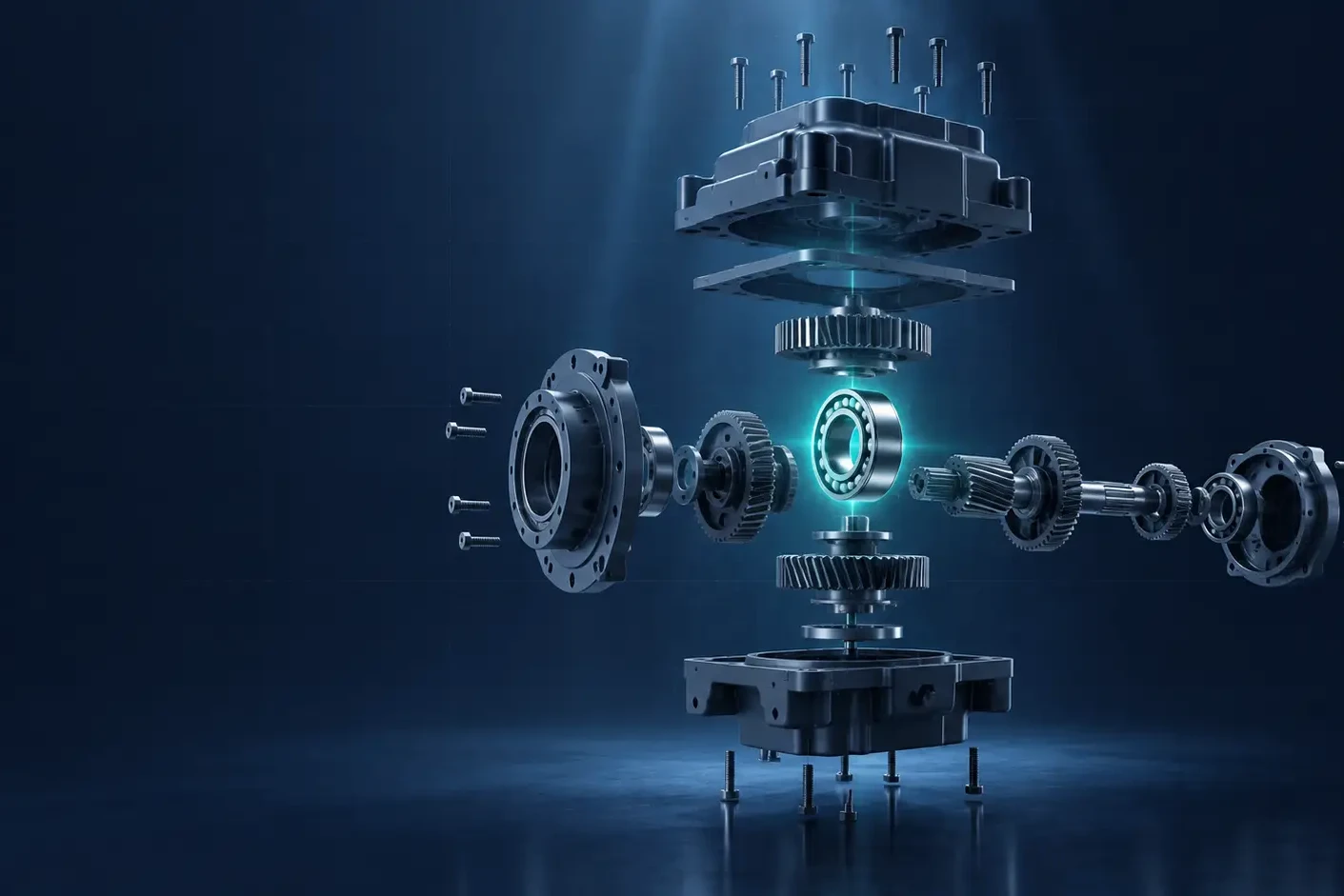
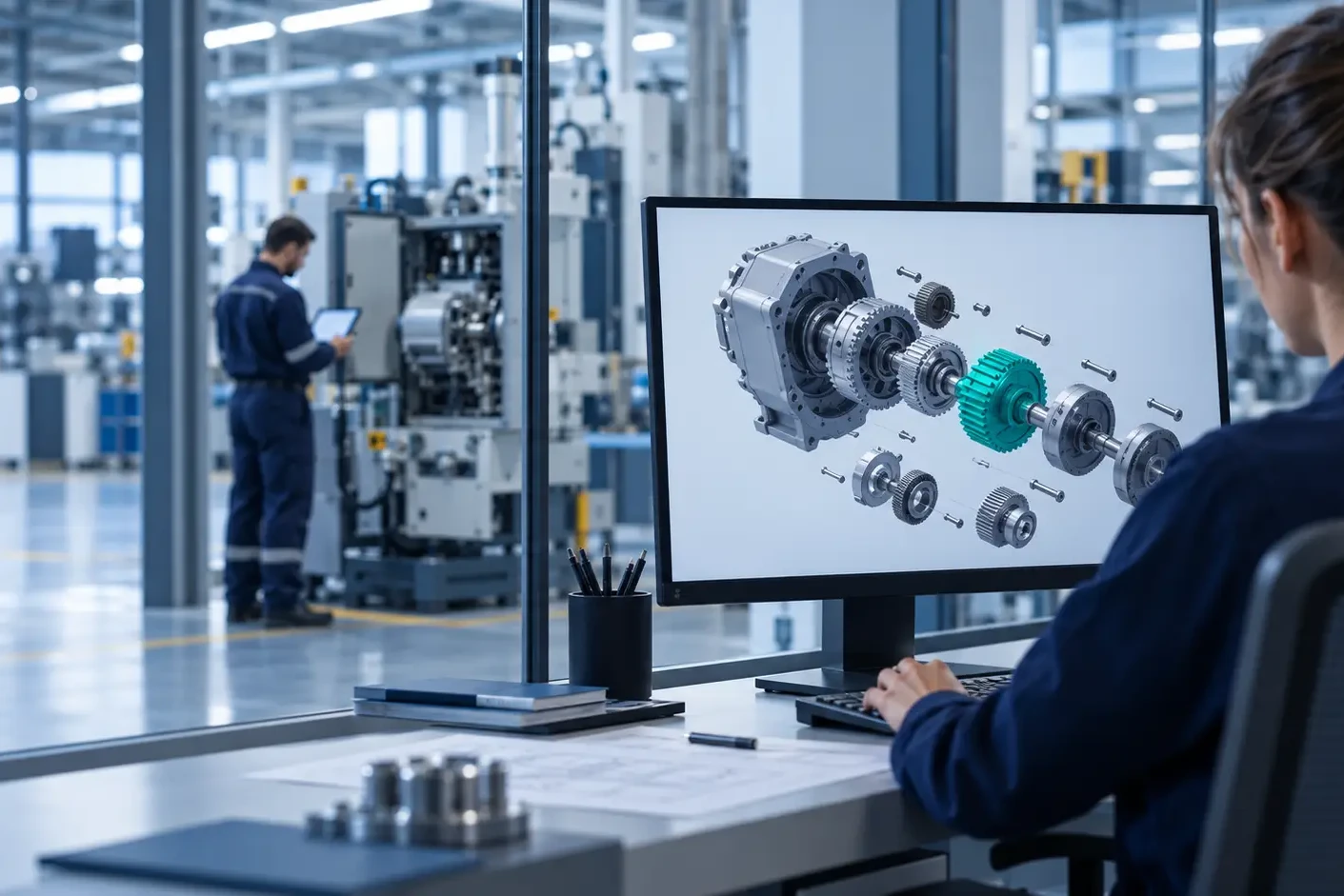
This is how customers and technicians identify parts in ISFsoft Spare Portal: by clicking on the 3D model of their own machine.
Machine S/N 20417: the main gearbox is noisy. Find the bearing that needs replacing.
Click a component
Clicks: 0
Select a component
Click any part of the exploded gearbox to see its data, just as it appears in the portal.
Order ready. Right part, right revision, for this specific machine.
Without a portal linked to engineering data, this usually means a search through PDF catalogues, a call to engineering and a confirmation email.
Simplified demo. In ISFsoft Spare Portal, the 3D models, BOMs and revisions come directly from Windchill.
Four changes for the service organization
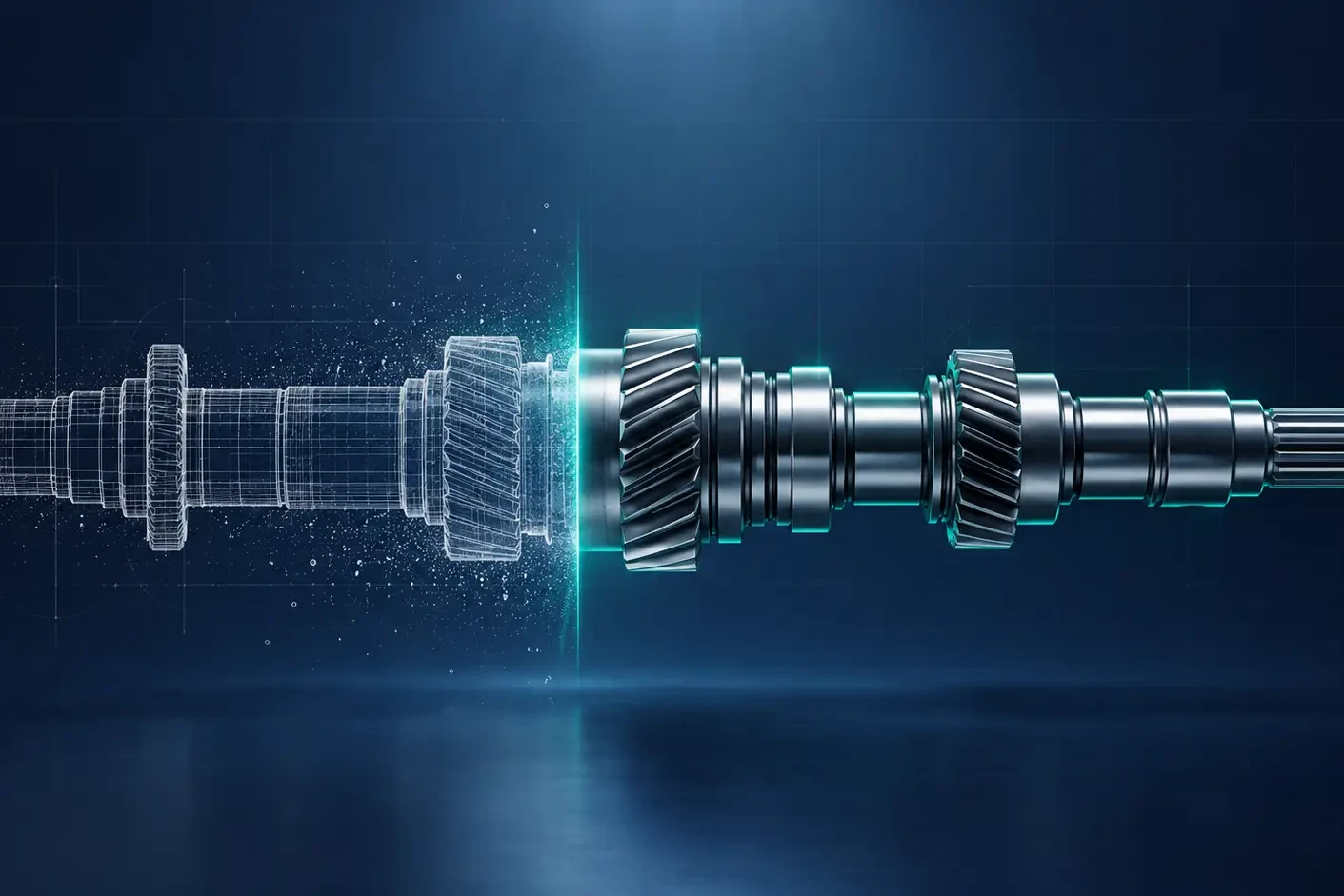
ISFsoft Spare Portal is synchronized directly with Windchill, and that removes most of the friction between the problem and the repair.
1. Fast, precise identification
Customers and technicians can find a part by catalogue, article code, serial number, bill of materials or by navigating the 3D model. What used to take several phone calls now takes minutes.
2. Always the current documentation
Drawings, instructions and related documents are the same versions engineering has released. Field technicians work with up-to-date information, and repair and maintenance times go down.
3. Fewer wrong orders and returns
Because the portal reflects every approved engineering change, the parts that arrive are the parts that fit. First-time fix rates improve and costly second visits disappear.
4. A service desk freed from routine
When customers can identify and order on their own, around the clock and in their own language, the service team stops acting as a manual search engine and focuses on the cases that truly need an expert.
What to measure
If you want to know how much your current process costs, these indicators usually tell the story:
- First-time fix rate: how many repairs are completed in a single visit.
- Time to identify a part: from the first call to a confirmed reference.
- Returns of wrong parts and the second visits they cause.
- Calls to engineering generated by after-sales questions.
The result of improving them is shorter downtime for customers, higher productivity for technicians, and a service organization that is seen as a partner rather than a bottleneck. For a broader view of how product data can reach after-sales, read From PLM to after-sales.
In after-sales, speed means nothing without precision.
Want to see how ISFsoft Spare Portal would help your service team fix it the first time? Get in touch with us and we will show you how it works with a real product structure.