

How Simon connected engineering and manufacturing across four continents with ISFsoft Viewer
Simon designs and manufactures electrical switches, sockets, lighting, and connectivity solutions for markets across the globe. With over 200 engineers based in Barcelona and China, and manufacturing plants operating in Brazil, Mexico, India, and Poland, the company runs a genuinely international product development operation. A decision made in Barcelona has direct consequences on a factory floor thousands of kilometres away.
Keeping engineering and manufacturing aligned at that scale is not a given. It requires more than a good PLM system. It requires that the people who need engineering data can actually get to it, reliably, and without depending on someone else to retrieve it for them.
That was the problem Simon needed to solve.
The situation before Viewer
Simon's engineering team works in PTC Windchill. Their product data, assemblies, components, drawings and specifications, is structured, versioned, and controlled inside the PLM environment. But Windchill access was limited to the engineering team. Manufacturing teams at international sites had no direct, reliable way to consult that data.
The result was a gap between what engineering knew and what manufacturing could act on. Errors were surfacing too late, at the manufacturing phase, when the cost of fixing them is significantly higher than catching them upstream. An initial attempt to bridge this with PTC Navigate View licenses proved difficult to scale across a geographically distributed organization with multiple sites, each with its own operational reality.
Something more flexible was needed.
The solution: ISFsoft Viewer as the access layer
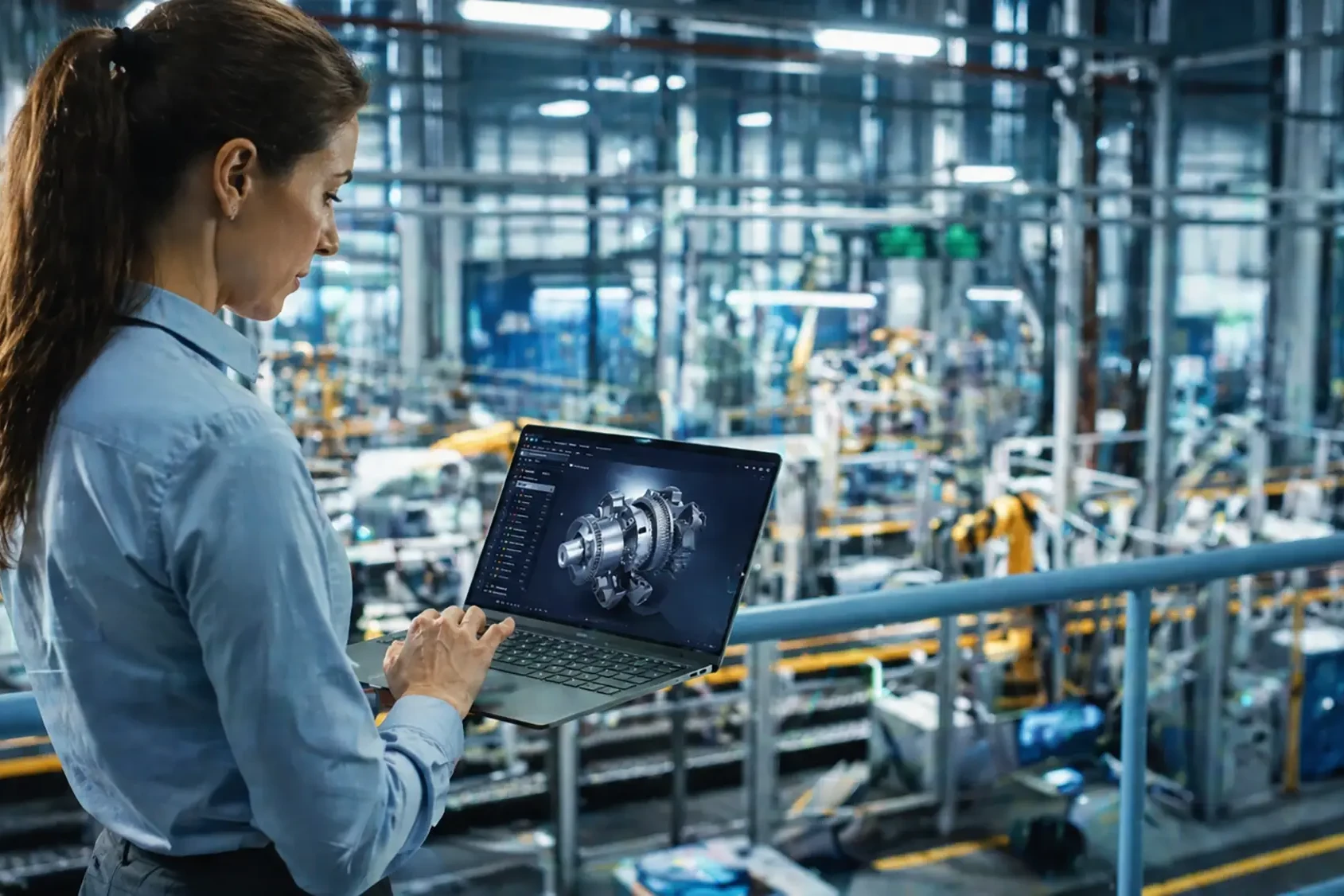
ISFsoft Viewer was implemented in combination with PTC Navigate View, providing a dedicated visualization server that makes Windchill data accessible to non-engineering teams, without requiring PLM licenses or expertise.
A Windchill workflow was configured to publish data automatically to the Viewer server, distributing up-to-date engineering information from Barcelona to manufacturing plants in Brazil, Mexico, India, and Poland. The moment engineering updates something in Windchill, that change becomes available to every site through Viewer.
The rollout was gradual and site-driven. Rather than imposing a uniform change across four countries at once, each manufacturing plant defined its own adoption timeline and product strategy. This meant the implementation could flex around operational realities, reducing friction and accelerating actual adoption on the ground.
The results across 150 users
With ISFsoft Viewer in place, manufacturing teams at every site now have direct access to current engineering data. The impact has been visible across several dimensions.
Error discovery moved upstream. Manufacturing teams can now identify issues before they reach the production floor, reducing the cost and disruption of rework. The engineering team, no longer fielding data access requests from across four time zones, recovered significant capacity.
And for the first time, every site, Barcelona, Brazil, Mexico, India, Poland, is working from the same version of the truth.
But the most significant outcome may be structural. With Viewer providing a reliable, shared view of engineering data across the organization, Simon had the foundation it needed to go further: moving from folder-based project management to a structured, Windchill-based PLM approach. Viewer was not just a fix for the access problem. It was the trigger for a broader shift in how Simon manages its product data at a global level.
A bridge that scales
What the Simon implementation illustrates is a pattern that applies across manufacturing organizations of similar complexity: the value of a PLM system is not just in the data it holds, but in how accessible that data is to the people who need to act on it.
ISFsoft Viewer connects to Windchill and exposes the relevant data, assemblies, components, drawings and attributes, through an interface that manufacturing, quality, procurement, and other teams can use without training, without licenses, and without creating risk to the PLM environment. For multi-site organizations, it also solves the synchronization problem by design: one source, one published view, always current.
Does your manufacturing team have direct access to Windchill data?
If your engineering team is the gatekeeper of data that manufacturing, quality, or procurement need to do their work, ISFsoft Viewer is designed to change that, without disrupting your existing PLM environment.
Explore ISFsoft Viewer →
More real-world examples
Simon is one of several manufacturing companies that have transformed the way they connect engineering and production with ISFsoft. Explore more case studies to see how other teams are getting more out of their Windchill investment.
Explore all case studies →

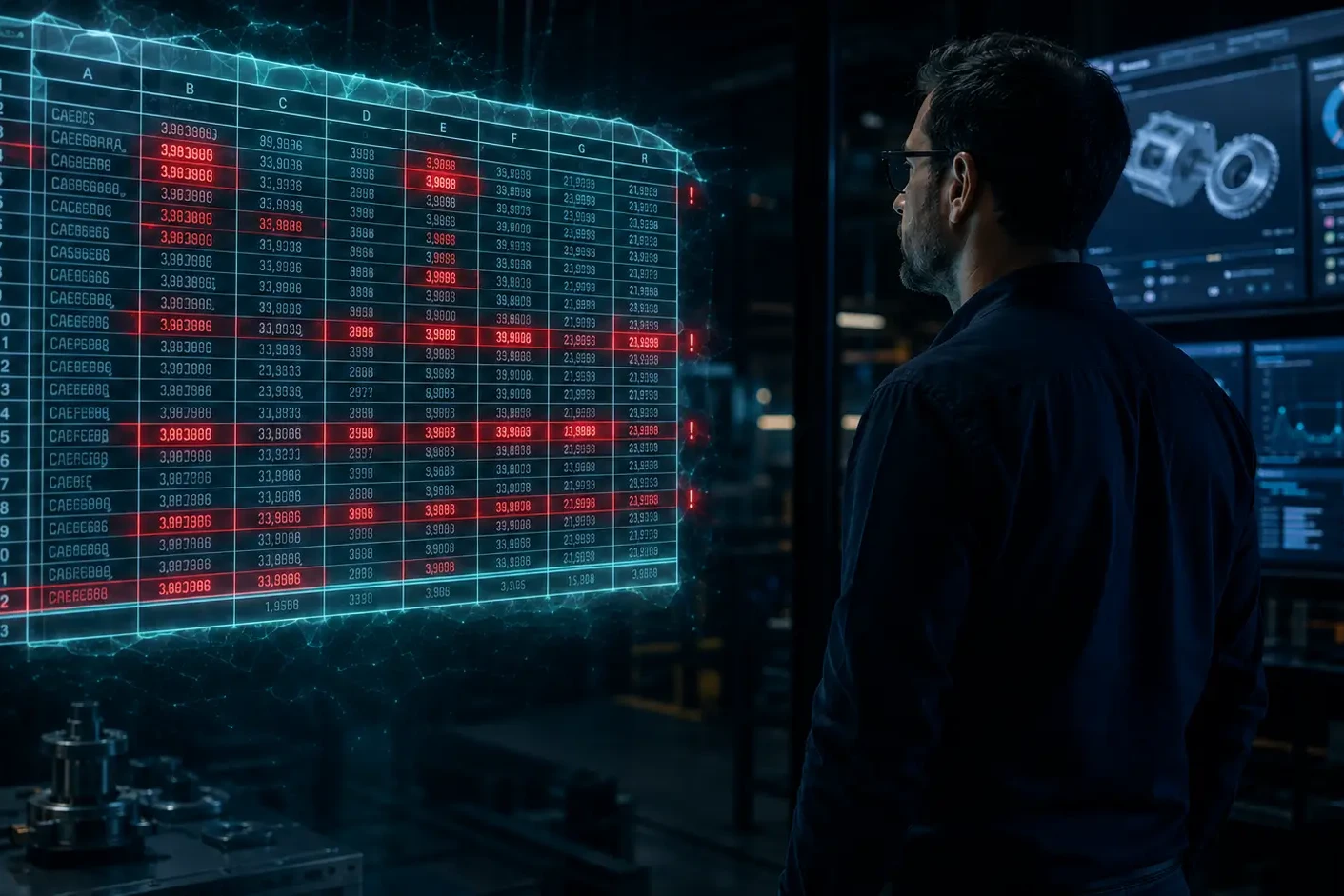
If your Windchill and ERP are "connected" by Excel files, you don't have an integration, you have a workaround
Most manufacturing companies running Windchill will tell you they already have some kind of connection with their ERP. And technically, they are right. Data moves between the two systems. BOMs get transferred. Item lists are updated. Engineering changes eventually make their way into production.
The question is how.
In the vast majority of small and mid-sized industrial companies, the answer is the same: someone exports data from Windchill into a spreadsheet, works on it, and uploads it into the ERP. Or the other way around. Sometimes with a bit of scripting on top. Sometimes entirely by hand.
That is not an integration. That is a workaround that has become invisible because everyone has learned to live with it.
How spreadsheet-based transfers become the standard
This is not a criticism of the people who set it up. When a company first implements Windchill and an ERP, a full real-time integration is rarely the priority. There is a go-live deadline, a limited budget, and a team that needs to start working. Someone figures out a process using export files, it works well enough, and it becomes the de facto method.
Years later, that same process is still running. It has been documented, it has been handed from one person to the next, and it has become so embedded in daily operations that nobody questions it anymore. It is just how things work here.
The problem is not the spreadsheet itself. The problem is what happens when the business grows, the product catalogue expands, the pace of engineering changes accelerates, and the volume of data that needs to move between systems increases. What was manageable at fifty items becomes a liability at five hundred.
The real cost of moving data through files
Spreadsheet-based transfers between Windchill and ERP create a specific set of problems that rarely show up in a single dramatic failure. They accumulate quietly, in the background, until they become impossible to ignore.
Version mismatches
By the time a file is exported, processed, reviewed and imported into the ERP, the source data in Windchill may have already changed. Engineering revisions move faster than manual transfer cycles. Production ends up working from a BOM that is one or two iterations behind the current design — and in many cases, nobody knows until something goes wrong on the shop floor.
Human error at every step
Every manual intervention in the transfer process is a potential point of failure. A column mapped incorrectly. A row accidentally deleted. A filter applied to the wrong field. These are not exceptional events. They are routine, and they have routine consequences: rework, incorrect procurement orders, and inventory built around obsolete configurations.
Dependency on specific people
In most companies using this model, the transfer process is only fully understood by one or two individuals. When those people are unavailable — on holiday, sick, or simply gone — the process slows down or stops entirely. The organization has built a critical operational dependency around a manual routine.
No traceability
When data moves through a spreadsheet, the audit trail disappears. If a BOM error is discovered three months later, tracing it back to a specific file version, a specific transfer, or a specific decision is extremely difficult. For companies operating in regulated industries or with strict quality requirements, this is not just an inconvenience — it is a compliance risk.
The time nobody accounts for
Someone has to prepare the file, validate it, send it, confirm receipt, and troubleshoot when something does not match. This work does not show up in any integration budget because it is absorbed by the team as part of their normal workload. But it represents real hours, every week, spent on data logistics instead of engineering or operations.
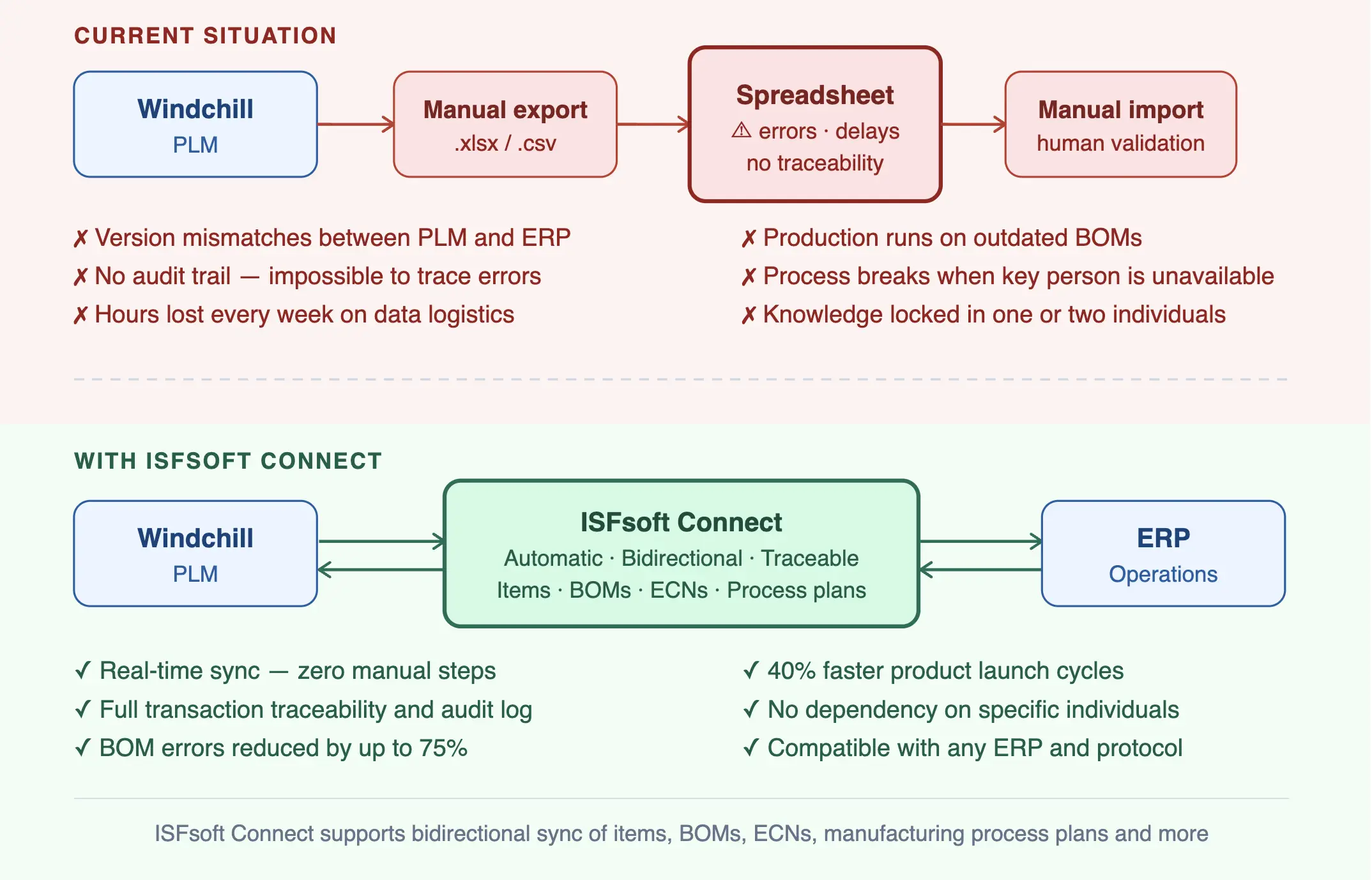
Spreadsheet-based transfer vs. real-time integration with ISFsoft Connect
When the workaround stops working
There are usually clear signals that the spreadsheet transfer model has reached its limit, even if they are not immediately recognized as integration problems.
Engineering change cycles slow down because the effort required to push changes through to ERP creates a bottleneck. Product launches take longer than they should because teams spend days reconciling data before anyone can commit to a manufacturing plan. Quality incidents increase and trace back to BOM inconsistencies between what engineering defined and what production received. And the people managing the transfer process start spending more and more time on it, with less and less time for anything else.
At this point, the question is no longer whether to improve the integration. The question is how long the organization can afford to wait.
What a real integration between Windchill and ERP looks like
A proper integration does not mean replacing the spreadsheet with a more sophisticated spreadsheet. It means eliminating the manual transfer step entirely.
When Windchill and ERP are connected through a dedicated integration layer, product data flows automatically and in a controlled way. New items created in Windchill are reflected in ERP without manual intervention. BOM structures and revisions are synchronized as soon as they are released. Engineering Change Notices trigger the corresponding updates in ERP in real time. And every transaction is logged, traceable and auditable.
The operational impact is significant. Version mismatches disappear because there is no delay between the source data and the downstream system. Errors caused by manual handling are eliminated. The people who were managing the transfer process are freed to do higher-value work. And the organization gains a level of operational confidence in its data that simply does not exist when spreadsheets are in the middle.
ISFsoft Connect: built for Windchill environments
ISFsoft Connect is an integration platform designed specifically to connect Windchill PLM with ERP systems. It works as an Enterprise Service Bus, managing the synchronization of product data, engineering structures and operational information between both platforms in a controlled, bidirectional and traceable way.
The processes it supports cover the full scope of what companies currently manage through manual transfers: item creation and updates, BOM synchronization, Engineering Change Notice and ECO flows, manufacturing process plans, and option and variant expressions. All of it automated. All of it logged.
ISFsoft Connect also handles the heterogeneity that is typical in real industrial environments — different ERP systems, different data formats, different protocols — without requiring companies to standardize their entire technology stack first.
The result is an integration that does not depend on a spreadsheet, does not depend on a specific person, and does not introduce a manual step between what engineering defines and what operations receives.
If your Windchill–ERP connection currently runs through files, that is where to start.
Learn more about ISFsoft Connect and how it replaces manual data transfers with a real integration between Windchill and ERP ››
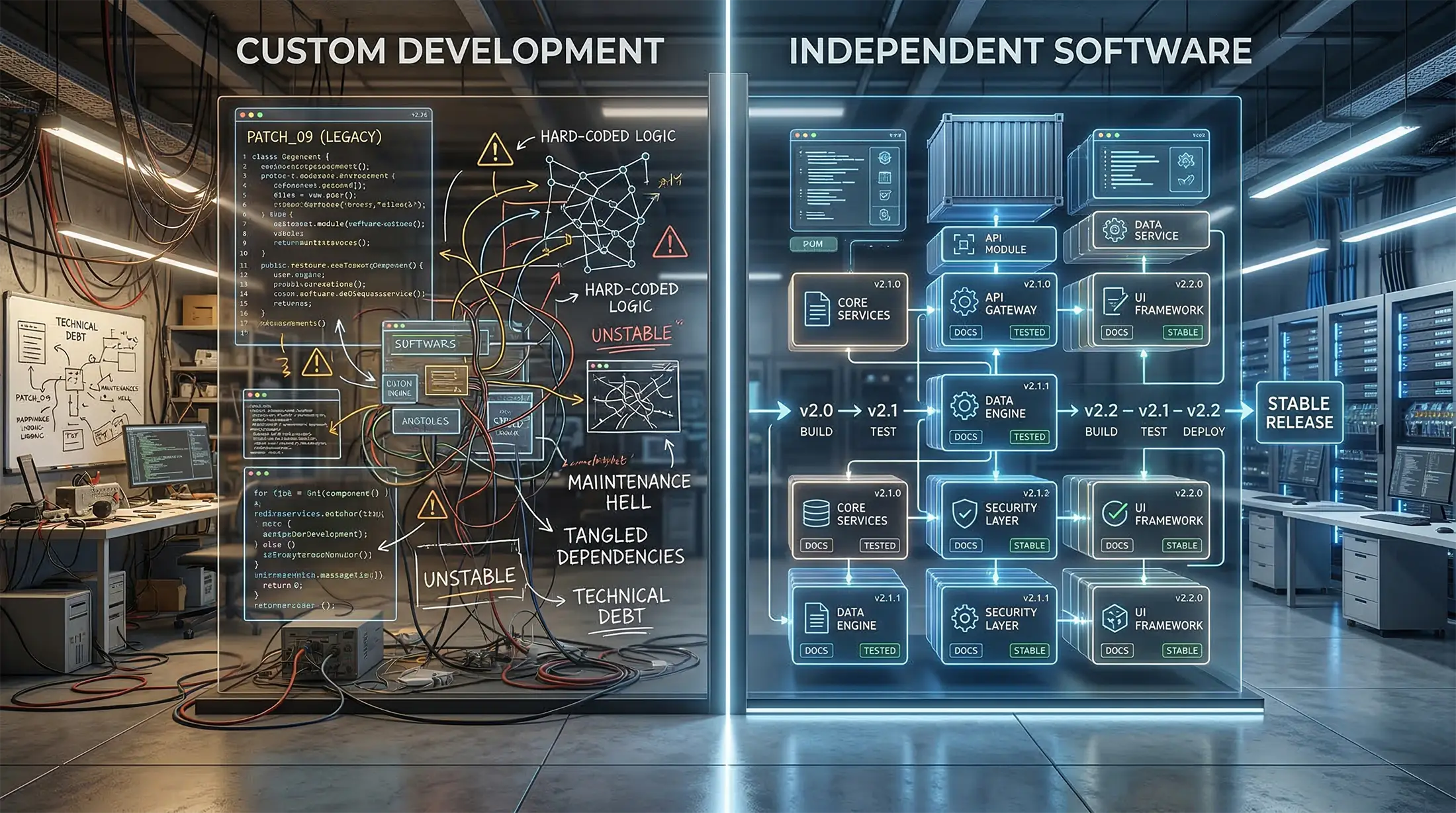
Windchill custom development vs independent software: a strategic choice for PTC partners
When “extension” becomes a risk
In the PTC ecosystem, terms like “extensions”, “add-ons”, “plugins”, “integrations” and “custom code” are often used as if they meant the same thing. For Windchill partners, that confusion is not harmless: it directly affects project scope, delivery expectations, and who carries the long-term responsibility once the system is live.
When customers ask for capabilities beyond standard Windchill functionality, many conversations jump straight to custom development. Sometimes that is the right answer. The problem is when it becomes the default, especially for needs that repeat across customers. That is how partners quietly accumulate technical debt, rising maintenance costs, and increasing delivery risk, often without pricing those commitments properly.
What “independent software” means in a Windchill context
Independent software designed to work with Windchill is not “Windchill code”. It is a separate product with its own lifecycle, built to integrate with Windchill, leverage Windchill data, and extend functional coverage around the platform, while remaining a standalone solution.
That distinction matters because it changes the nature of the promise a partner makes. With productized software, the partner introduces a capability that is versioned, documented, supported, and improved through a vendor roadmap. With custom code, the partner often becomes the long-term owner of the solution’s evolution, compatibility, and stability.
In mature PLM environments, where similar requirements appear again and again, independent products can provide a scalable way to deliver outcomes without turning every request into a new permanent engineering obligation.
Why custom development becomes expensive after go-live
Custom work is attractive because it feels flexible and immediate. It can also generate short-term services revenue. The long-term cost, however, usually shows up after go-live: upgrades, regression testing, unexpected interactions with other systems, staff turnover, and the reality that “small” customizations are rarely small two years later.
The issue is not that custom development is bad. The issue is that recurring needs solved with repeated custom builds create complexity that does not scale. Over time, teams end up maintaining multiple variants of similar functionality across customers, which increases effort and erodes margins. In practice, partners pay for this with time, delivery capacity, and predictability.
The strategic difference: repeatability and controlled risk
The real advantage of independent software is not technical elegance; it is business scalability. PTC partners that grow profitably tend to build portfolios of repeatable offerings, using custom work selectively, only where it is truly unique.
Productized capabilities are easier to position, scope, and package. They reduce uncertainty in proposals, shorten delivery cycles, and lower the risk that a project becomes hostage to a bespoke codebase. They also make the partner’s model more resilient, because value scales through repeatability rather than through increasing complexity.
A partner decision, not just an engineering choice
Ultimately, the choice between independent software and custom development is a decision about what kind of partner business you want to build. If growth depends on one-off builds, the business scales with complexity and internal bottlenecks. If growth depends on repeatable capabilities around Windchill, the business scales with controlled risk and predictable delivery.
Custom development will always have a place. But treating it as the default for recurring requirements is rarely sustainable. In a competitive Windchill market, clarity on this point is not a technical nuance, it is a strategic advantage.
If you are a Windchill partner looking to expand your offering with repeatable, lower-risk capabilities, we’d be happy to talk about partnering >>

From PLM to after-sales: Extending the digital thread with ISFsoft and PTC Windchill
Bridging the Gaps: Specialized Tools for a Complete Digital Thread
PTC’s Windchill PLM is a powerful foundation for managing engineering data. ISFsoft enhances that foundation with targeted capabilities that connect Windchill to downstream processes and external systems—making the digital thread operational beyond the PLM core.
1. Connect: Synchronizing Windchill and ERP
ISFsoft Connect is an Enterprise Service Bus (ESB) that serves as the backbone of integration between Windchill and your ERP system. It ensures consistent, real-time data flow between engineering and business operations—bridging BOMs, part metadata, documentation, and lifecycle statuses across systems.
This connection eliminates manual duplication, ensures traceability, and enables better planning, procurement, and production alignment.
2. Sales & Product Configurator: From Engineering Rules to Commercial Offers
Our Product Configurator transforms engineering rules into configurable product logic, enabling accurate and error-free product definition.
The Sales Configurator uses that logic to generate customized offers, automatically aligned with engineering constraints and PLM data—reducing lead times and preventing costly misconfigurations.
Together, they bridge the gap between engineering and sales, streamlining the configure-to-order process and enhancing customer responsiveness.
3. Viewer: Visualizing Engineering Data with Precision
ISFsoft Viewer empowers technical and non-technical users to interact with complex 3D assemblies linked to Windchill. It provides instant access to exploded views, part metadata, and automated technical documentation.
This visual clarity improves communication between departments and reduces dependency on CAD experts—extending the value of engineering data throughout the organization.
4. Spare Portal: Elevating the After-Sales Experience
ISFsoft Spare Portal extends the digital thread to the post-sales environment. It allows customers and technicians to visually identify spare parts, place orders online, and access version-controlled product information—always synced with Windchill data.
The result: faster service, fewer errors, and a superior after-sales experience that boosts customer satisfaction and retention.
Enabling End-to-End Continuity
The strength of the digital thread lies in its connectivity, accuracy, and completeness. ISFsoft acts as a strategic layer over the PTC ecosystem—ensuring that the data created in engineering is not only preserved, but also leveraged across the product lifecycle.
From syncing your PLM and ERP systems, to simplifying complex configurations, enhancing 3D data usage, and digitizing spare parts management—we help companies go beyond PLM to achieve a fully integrated digital enterprise.
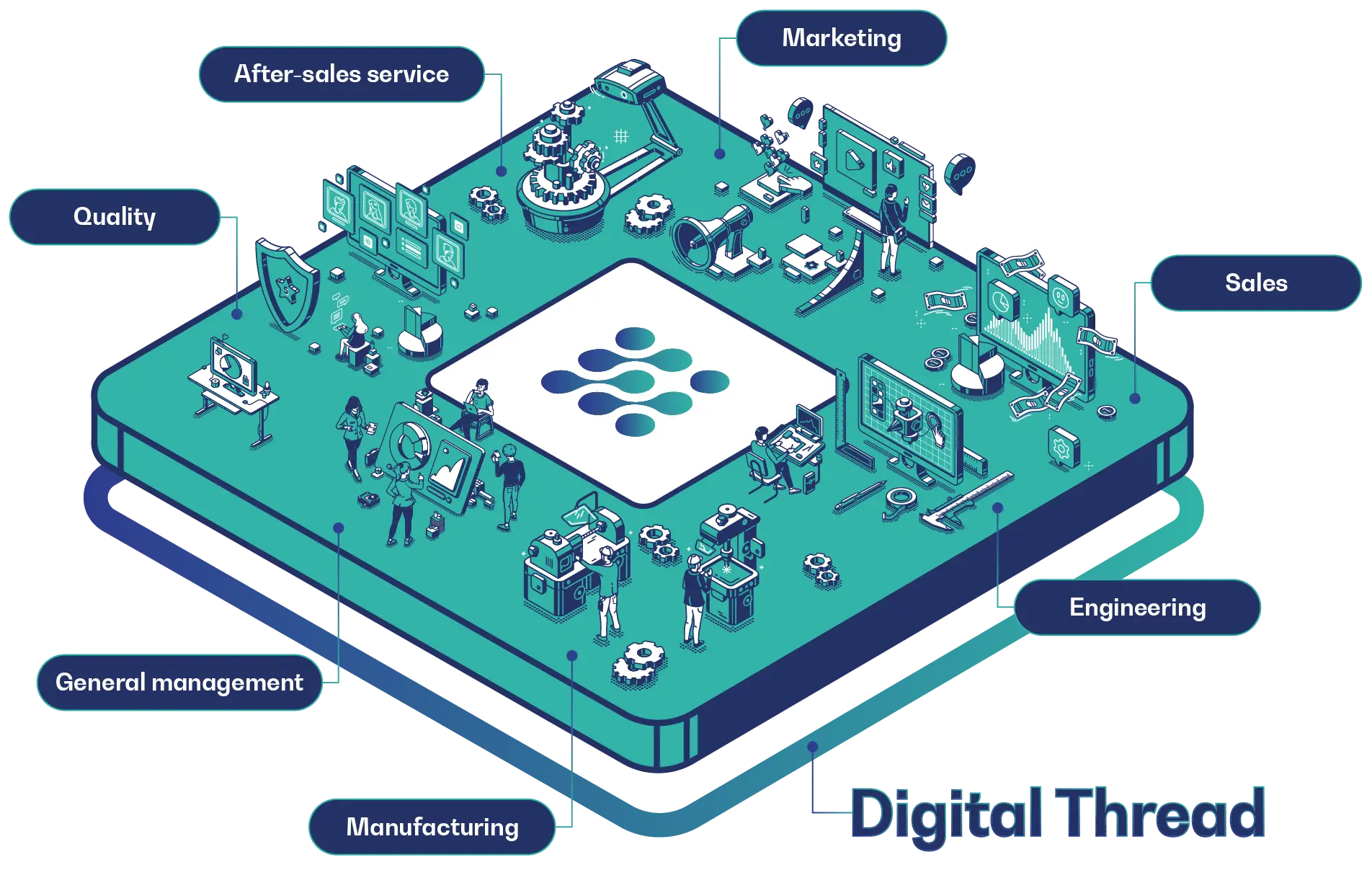
ISFsoft + PTC: Your End-to-End Digital Thread Partner
Digital transformation is not about isolated tools—it’s about creating a continuous flow of intelligence across your business. By complementing Windchill with specialized, interoperable solutions, ISFsoft empowers manufacturers to make real-time decisions, streamline operations, and deliver better service.
Together with PTC, we turn disconnected processes into connected value.